

Every few months, a new demo shows an AI building an app from a single sentence, and the same worried question comes back: **will AI replace software developers**? For students choosing a degree, freshers hunting for a first job, and experienced engineers planning a career, it is a fair thing to ask.
The honest answer is more nuanced than "yes" or "no." AI is already changing how code is written, and some tasks are shrinking fast. But software development is much more than typing code. This guide explains what AI can do, where it still struggles, and how to keep your career strong.
## The Short Answer
AI is very unlikely to replace software developers entirely in the near future, but it is changing what developers do and how many people are needed for certain kinds of work. In practice, that means:
- **Some tasks will be automated:** boilerplate code, simple scripts, routine tests, and basic documentation.
- **Some roles will shift:** developers spend more time guiding, reviewing, and designing, and less time on typing.
- **Some jobs, especially entry-level ones, may face pressure:** companies may need fewer people for repetitive work [VERIFY].
- **New roles will appear:** around building, securing, and managing AI-powered systems.
Think of it less as "AI vs human programmers" and more as "developers who use AI vs developers who don't."
## What AI Coding Tools Can Do Today
Modern **AI coding tools** go far beyond autocomplete. Popular examples include GitHub Copilot, ChatGPT, Claude Code, and Cursor, along with assistants from Google and other companies. The tools evolve quickly, so specific features may have changed by the time you read this [VERIFY].
### How Developers Use AI Coding Assistants
AI is now commonly used for:
- Generating first drafts of functions and boilerplate code
- **Writing unit tests** and test data
- **Refactoring** older code into cleaner structures
- Explaining unfamiliar code and writing **documentation**
- Suggesting fixes for **bugs** and error messages
- Helping with **code review** and spotting obvious issues
- Assisting with **legacy code migration** between languages or frameworks
Surveys, such as the Stack Overflow developer survey, suggest that a large share of developers now use or plan to use AI tools [VERIFY]. Some company studies report faster completion of certain tasks with AI help, though results vary by task and experience level [VERIFY].
### The Rise of AI Agents and Vibe Coding
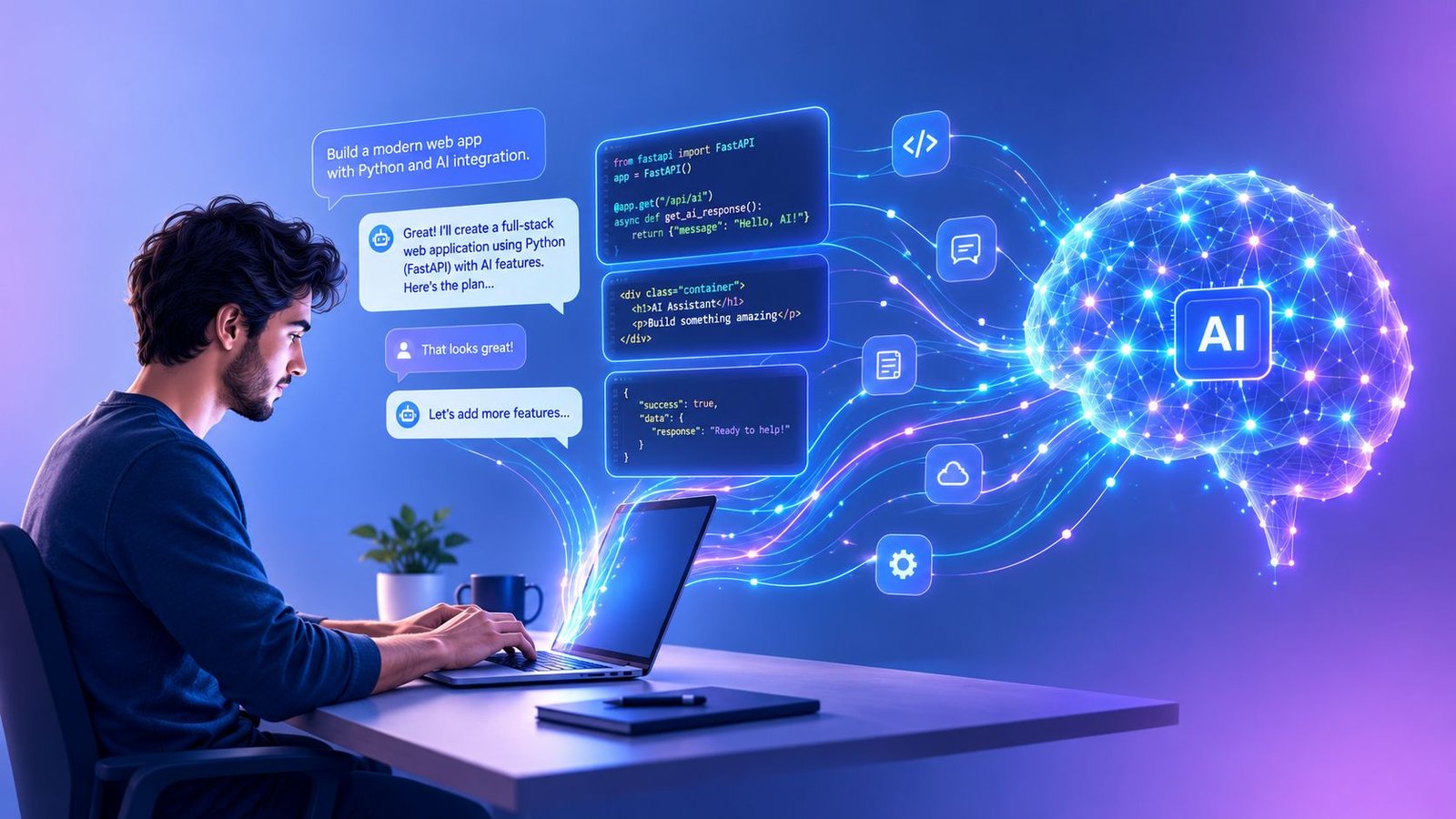
Newer **agentic coding tools** can plan a task, edit several files, run tests, and try again, with less hand-holding. Many people also talk about **vibe coding**, where you describe what you want in plain language and let the AI produce most of the code.
This can be great for prototypes, personal tools, and quick experiments. The risk is that people ship code they do not fully understand, which can lead to bugs, security holes, and software nobody can maintain.
## Where AI Still Falls Short
Despite impressive progress, **the limits of AI code generation** remain real.
### Mistakes and Hallucinations
AI can produce code that looks right but is wrong. It may invent functions that do not exist, misuse libraries, or miss edge cases. Because the output sounds confident, errors can slip through if nobody checks carefully.
### Security and Quality Risks
Studies have found that AI-generated code can contain security weaknesses, especially when developers accept it without review [VERIFY]. **Code quality**, maintainability, and **technical debt** still depend on human judgment.
### Understanding the Real Problem
Software is built for people and businesses, not just for compilers. Much of a developer's job involves:
- Understanding vague or changing requirements
- Asking the right questions of customers and teammates
- Making trade-offs between speed, cost, security, and scalability
- Designing **software architecture** that will last for years
- Taking responsibility when something breaks in production
AI can assist with these, but it does not carry accountability, and it often lacks the **domain knowledge** and context that come from working inside a real business.
### Human Review Still Matters
Some research suggests AI help does not speed up every developer in every situation. One widely discussed 2025 study found experienced developers working on familiar projects were slower when using AI tools than without them [VERIFY]. Results like this are a reminder that the value of AI depends heavily on how it is used.
## Lessons from History: Automation Has Changed Programming Before
This is not the first time people feared that technology would end programming. Consider:
- **Compilers and higher-level languages** let developers stop writing machine code by hand. Programmers did not vanish; they built far more software.
- **Frameworks, cloud platforms, and open-source libraries** made apps faster to build, and demand for developers grew.
- **No-code and low-code tools** made simple apps easier to create, yet professional developers remain in demand for complex systems.
A common pattern is that when building software becomes cheaper, people want much more of it. That does not guarantee the same outcome this time, and nobody can predict it with certainty. But history suggests tools tend to change the job rather than erase it.
## Which Developer Jobs Are Most at Risk?
No role is entirely safe or entirely doomed, but some work is easier to automate than others.
### More Exposed to Automation
- Repetitive coding tasks and simple scripts
- Basic web pages and templated websites
- Routine manual testing
- Straightforward code translation and maintenance tasks
### Harder to Automate
- Complex system design and architecture
- Security-critical and safety-critical software
- Work needing deep domain expertise (healthcare, finance, aerospace)
- Debugging complicated, real-world production issues
- Roles involving leadership, communication, and product decisions
So will AI replace frontend developers, backend developers, testers, or DevOps engineers? Parts of each job will be automated, but the roles are more likely to evolve than disappear.
## What This Means for India
India has one of the world's largest software workforces, and the **Indian IT industry** employs millions of people [VERIFY]. Large **IT services companies**, including TCS, Infosys, and Wipro, are investing heavily in AI while also reshaping how they hire and train [VERIFY].
Key things to watch:
- **Fresher hiring:** Entry-level tasks are the easiest to automate, so freshers may face tougher competition and need stronger skills [VERIFY].
- **Services work:** Routine testing, maintenance, and support work may change most.
- **New opportunities:** Demand is growing for AI engineers, data specialists, cybersecurity experts, and people who can integrate AI into business systems.
- **Global capability centres:** Many global firms continue to set up technology hubs in Indian cities such as Bengaluru, Hyderabad, and Pune [VERIFY].
The details change quickly, so check recent reports from NASSCOM and company announcements for current figures [VERIFY].
## New Roles AI Is Creating
As AI spreads, new and expanding job paths include:
- **AI engineer:** builds applications using AI models
- **Machine learning engineer:** trains and deploys models
- **Prompt and workflow designers** for AI-powered products
- **AI safety, security, and evaluation specialists**
- **Data engineers** who prepare the data AI depends on
The **AI engineer vs software engineer** line is blurring. Many traditional developers are moving into AI-related work by adding skills, not starting over.
## Skills Developers Need in the AI Era
To stay relevant as a developer, build skills that AI cannot easily replace.
### Technical Foundations
- **Computer science fundamentals:** data structures, algorithms, databases, networks
- **System design:** how large systems fit together
- **Debugging and code review:** especially for code you did not write
- **Secure coding** and cloud basics
- **AI literacy:** knowing how large language models work, and their limits
### Human Skills
- **Problem-solving and critical thinking**
- **Communication:** explaining ideas to teammates and non-technical people
- **Product thinking:** building what users actually need
- **Learning agility:** picking up new tools quickly
## How to Future-Proof Your Coding Career
1. **Learn the basics properly.** AI can write code, but you need to understand it to judge it.
2. **Use AI tools daily.** Treat them as a pair programmer, and always review their output.
3. **Build real projects.** A portfolio showing working, tested, deployed software stands out.
4. **Go deeper in one area.** Specialising in security, data, cloud, or a particular industry adds value.
5. **Practise reviewing and testing.** Verifying code is becoming as important as writing it.
6. **Keep upskilling.** Take online courses, contribute to open source, and follow trusted sources.
7. **Be careful with privacy and licensing.** Do not paste confidential company code into public AI tools, and understand your employer's policies on **data privacy** and copyright.
### Should You Still Learn to Code?
Yes. Learning to code teaches logical thinking, and knowing how software works helps you use AI far more effectively. People who understand programming can direct AI better, catch its mistakes, and build more ambitious things.
## Frequently Asked Questions
### 1. Can AI replace programmers completely?
Not with today's technology, and no one can say for certain what comes next. AI can handle many coding tasks, but it still needs humans to define problems, check results, make design decisions, and take responsibility. A more likely outcome is that developers work differently, not that the profession vanishes.
### 2. Is software engineering still a good career?
For most people, yes, but it is changing. Strong fundamentals, adaptability, and the ability to work well with AI tools are becoming essential. Entry-level competition may be tougher than before [VERIFY].
### 3. Will AI replace freshers and junior developers?
Junior roles may be affected most, because some entry-level tasks are easiest to automate. But companies still need people to grow into senior engineers. Freshers who show strong basics, real projects, and AI skills have an advantage.
### 4. Which programming jobs are safest from AI?
Work that involves complex design, security, deep domain knowledge, and close collaboration with people is harder to automate. No job is risk-free, so continuous learning is the best protection.
### 5. What should I learn to stay relevant?
Focus on core computer science, system design, debugging, and secure coding. Add practical AI skills, such as using coding assistants well and understanding how language models behave, along with communication and problem-solving.
## Conclusion
So, will AI replace software developers? Not entirely, but it is already reshaping the job. Routine coding is getting faster and cheaper, while judgment, design, security, and communication are becoming more valuable.
The developers who thrive will treat AI as a powerful assistant rather than a rival: learning the fundamentals, reviewing everything carefully, and always growing. Start today by picking one AI tool, using it on a real project, and checking every line it writes.
*Note: The AI field changes very quickly. Please re-check tools, statistics, and job-market claims before publishing or making career decisions.*
Frequently Asked Questions
How do I comment on a Articlesblog article?
Scroll to the Comments section at the bottom of any article, enter your name, email, and message, and click Post Comment. No account is needed, but every comment is moderated — it appears publicly only after the editorial team approves it. See the Privacy Policy for how details are handled.
Why hasn't my comment appeared?
Comments are held for review by default. If yours has not appeared, it is still pending or was rejected during moderation; approved comments appear on the article automatically. If it has been waiting more than a day or two, send a note through the contact page.
How do I share a Articlesblog article?
Every article has a share bar with buttons for Facebook, X, Pinterest, LinkedIn, WhatsApp, Threads, Instagram, TikTok, and YouTube, plus a Copy Link button. Clicking a button opens that network's share window with the article link and title already filled in.
How does Articlesblog pick related articles?
The Related Articles sidebar and the More to Read section show up to four other published articles from the same category, ranked by view count, with popular articles from elsewhere on the site added when the category is new. Tags under each article link to related searches.
Does an article show when it was last updated?
Article pages show the author, publish date, reading time, and view count. A separate last-updated date is not displayed at present, so treat the publish date as the article's currency. Ask the team about a specific article's revision history via the contact page.



Comments (0)
Be the first to comment!
Leave a Comment